AI-Powered Website: Turn Visits into Business Leads
Learn how an AI-powered website captures and qualifies leads, books appointments and connects visitor enquiries to your CRM. Explore the workflow.
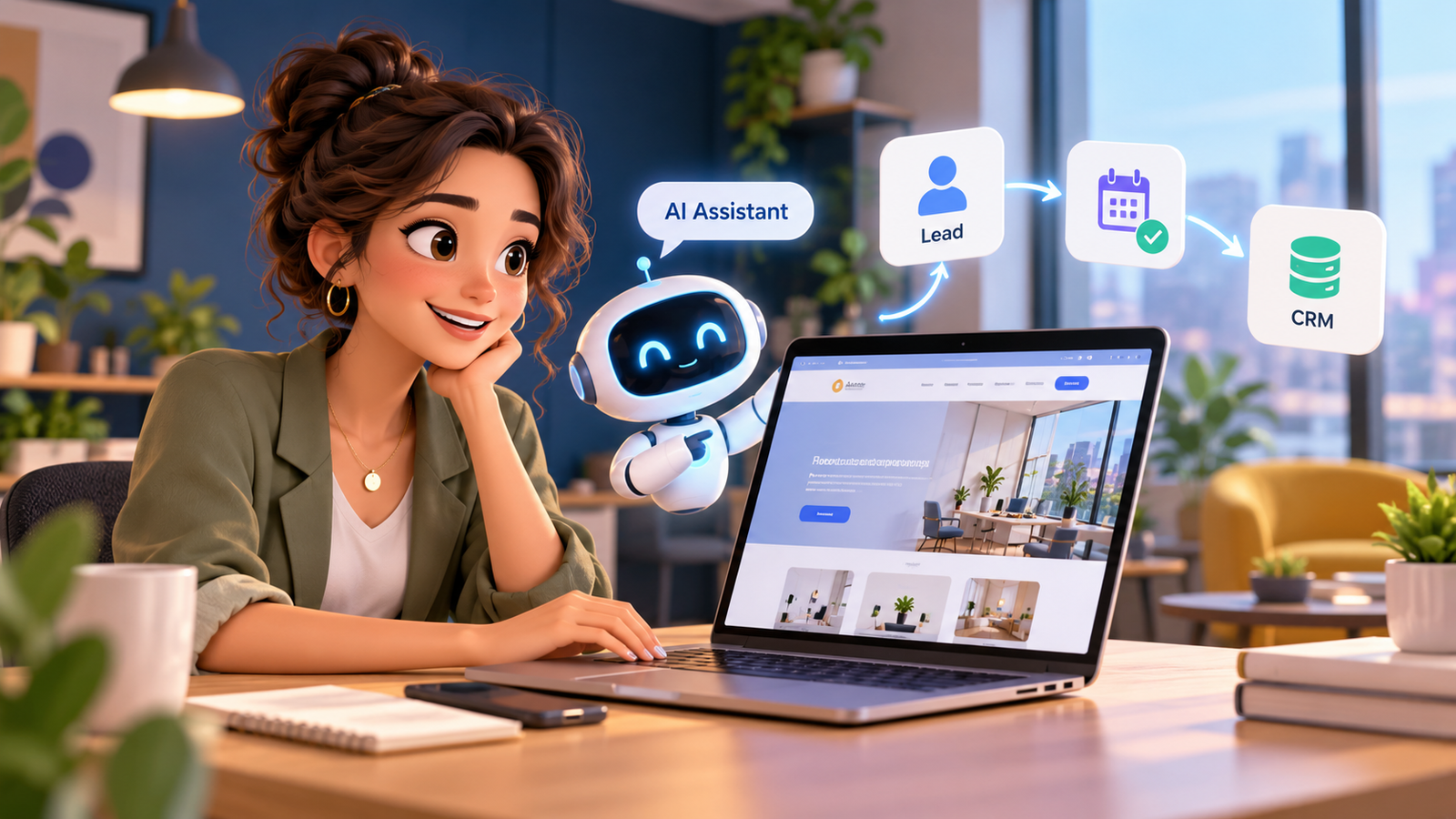
Ai Powered Website should solve a genuine operating problem rather than become another disconnected software purchase. UK teams need reliable customer experiences, defined staff responsibilities and data that reaches the right business system. When a process depends on manual copying, unclear ownership or unanswered enquiries, its hidden costs include delay, rework and avoidable customer frustration. This guide looks at the relevant workflows, where automation is appropriate and what needs human judgement. It explains how to plan and evaluate changes without assuming a particular vendor or promising outcomes that cannot be verified. The aim is to help a business owner specify a manageable project, understand technical dependencies and decide what should happen when the normal process fails.
Why an AI website for business needs an operating model
A brochure website can explain a service and still leave a visitor waiting for a reply. An AI website for business should connect a useful answer with an operational next step, such as recording a qualified enquiry, presenting suitable availability or asking a member of staff to intervene. The design challenge is not simply adding chat. It is making sure that the conversation has a legitimate destination.
Start by identifying three common visitor intentions: checking whether you serve their area, requesting an estimate and making a booking. Create a clear journey for each. Visitors with unusual circumstances should see a human contact option rather than a confident invented answer. Capture only the information needed for the next step and explain how the business will use it.
Implementation detail matters here. Define which system owns the record, who can approve an exception, how the customer will be informed and what the team sees when a handoff fails. Check ordinary cases and unusual cases before allowing the process to run unattended. The relevant manager should review examples of successful and unsuccessful outcomes rather than treating automation volume as evidence of success.
For measurement, establish a baseline, record the time and quality of each important step and look at customer outcomes over a sensible period. Separate acknowledgements from completed work and distinguish qualified opportunities from simple conversations. Restrict access to personal data, review retention needs and provide a way for staff to correct errors. These controls make the process easier to maintain when policies, teams or connected systems change.
Website lead capture automation: from form to assigned owner
Website lead capture automation should treat the form, chat widget and callback request as entrances into one intake process. Each entrance needs a timestamp, source, consent record where relevant, business context and an assigned owner. Otherwise the website may appear responsive while the sales team still searches several inboxes.
Map each field to a CRM property before launching. Decide what happens when the visitor is already known, enters an invalid telephone number or abandons the journey. Use validation and duplicate detection, then schedule follow-up according to the contact’s request and permissions. An error state should create a task rather than silently lose the enquiry.
Implementation detail matters here. Define which system owns the record, who can approve an exception, how the customer will be informed and what the team sees when a handoff fails. Check ordinary cases and unusual cases before allowing the process to run unattended. The relevant manager should review examples of successful and unsuccessful outcomes rather than treating automation volume as evidence of success.
For measurement, establish a baseline, record the time and quality of each important step and look at customer outcomes over a sensible period. Separate acknowledgements from completed work and distinguish qualified opportunities from simple conversations. Restrict access to personal data, review retention needs and provide a way for staff to correct errors. These controls make the process easier to maintain when policies, teams or connected systems change.
How to convert website visitors into leads without pressure
To convert website visitors into leads, offer helpful and specific next steps rather than demanding a telephone number immediately. Someone reading an integration guide might want an architecture consultation; someone on a service page might prefer a short qualifying form. The invitation should match the question being answered.
A sensible qualification sequence asks what outcome the visitor wants, whether they have an existing system, their preferred contact channel and when they need to start. Avoid collecting sensitive information unnecessarily. Track completed requests, qualified opportunities and accepted meetings, not just chatbot messages or raw form submissions.
Implementation detail matters here. Define which system owns the record, who can approve an exception, how the customer will be informed and what the team sees when a handoff fails. Check ordinary cases and unusual cases before allowing the process to run unattended. The relevant manager should review examples of successful and unsuccessful outcomes rather than treating automation volume as evidence of success.
For measurement, establish a baseline, record the time and quality of each important step and look at customer outcomes over a sensible period. Separate acknowledgements from completed work and distinguish qualified opportunities from simple conversations. Restrict access to personal data, review retention needs and provide a way for staff to correct errors. These controls make the process easier to maintain when policies, teams or connected systems change.
Website appointment booking automation that respects capacity
Website appointment booking automation should check real calendar availability, meeting type, business hours, buffer times and staff assignment rules before confirming a slot. A booking is not complete just because a bot says it is. The scheduling system must return a confirmed event and the CRM should record the reference.
Define cancellation, rescheduling and duplicate-booking paths. A staff member should be able to override an unsuitable booking. In regulated services, the website should avoid promising an assessment, diagnosis or professional outcome and instead route the visitor to an authorised professional.
Implementation detail matters here. Define which system owns the record, who can approve an exception, how the customer will be informed and what the team sees when a handoff fails. Check ordinary cases and unusual cases before allowing the process to run unattended. The relevant manager should review examples of successful and unsuccessful outcomes rather than treating automation volume as evidence of success.
For measurement, establish a baseline, record the time and quality of each important step and look at customer outcomes over a sensible period. Separate acknowledgements from completed work and distinguish qualified opportunities from simple conversations. Restrict access to personal data, review retention needs and provide a way for staff to correct errors. These controls make the process easier to maintain when policies, teams or connected systems change.
Website to CRM integration: what should be synchronised
Website to CRM integration passes useful structured information into the operational record: contact details, enquiry topic, campaign source, conversation summary, booking status and assigned team. A clear event trail helps staff understand the visitor’s request without requiring the customer to repeat it.
Do not sync every keystroke or store entire conversations without a legitimate reason. Decide which system owns each field, whether updates are one-way or bidirectional and which failures require a retry. Record API failures and alert an owner when a high-value enquiry cannot be delivered.
Implementation detail matters here. Define which system owns the record, who can approve an exception, how the customer will be informed and what the team sees when a handoff fails. Check ordinary cases and unusual cases before allowing the process to run unattended. The relevant manager should review examples of successful and unsuccessful outcomes rather than treating automation volume as evidence of success.
For measurement, establish a baseline, record the time and quality of each important step and look at customer outcomes over a sensible period. Separate acknowledgements from completed work and distinguish qualified opportunities from simple conversations. Restrict access to personal data, review retention needs and provide a way for staff to correct errors. These controls make the process easier to maintain when policies, teams or connected systems change.
Building a conversion focused website with measurable outcomes
A conversion focused website prioritises accessibility, fast navigation, a clear offer, trust evidence and a practical response path. AI can help guide the visitor, but poor copy or confusing service descriptions will still undermine performance. The desired conversion should be tied to a meaningful business outcome.
Measure enquiry-to-qualified-lead rate, booking completion, first-response time and eventual opportunity quality by page. Compare performance before and after changes over an appropriate period. Review error logs and test real customer scenarios; an impressive chat completion rate is no substitute for useful enquiries.
Implementation detail matters here. Define which system owns the record, who can approve an exception, how the customer will be informed and what the team sees when a handoff fails. Check ordinary cases and unusual cases before allowing the process to run unattended. The relevant manager should review examples of successful and unsuccessful outcomes rather than treating automation volume as evidence of success.
For measurement, establish a baseline, record the time and quality of each important step and look at customer outcomes over a sensible period. Separate acknowledgements from completed work and distinguish qualified opportunities from simple conversations. Restrict access to personal data, review retention needs and provide a way for staff to correct errors. These controls make the process easier to maintain when policies, teams or connected systems change.
Comparing implementation approaches
| Approach | Suitable use | Main risk | Recommended control |
|---|---|---|---|
| Manual handling | Unusual cases and sensitive decisions | Slow handoffs and inconsistent records | Named owner and review checklist |
| Rules-based automation | Predictable, structured activities | Unexpected exceptions stop a workflow | Alerts and recovery tasks |
| AI-assisted workflow | Variable-language enquiries and drafting | Incorrect interpretation or overconfident action | Approved boundaries and human escalation |
| Connected operational system | Multi-step customer-to-CRM processes | Failures spread across integrations | Logging, retries and accountability |
A practical implementation checklist
- Document the current customer journey and its failure points.
- Choose one measurable workflow and identify the responsible manager.
- Agree approved information, data permissions and staff escalation triggers.
- Map contact fields, calendar events and CRM record ownership.
- Test realistic, difficult and duplicate requests in a non-production environment.
- Launch a controlled pilot and monitor customer experience and exceptions.
- Review outcomes, update the rules and document a safe rollback procedure.
How A1 Legacy approaches the workflow
Use the AI-Powered Website as the front door and A1LegacyStudio for operational follow-through. Custom Integrations can connect external booking or existing business systems.
A1 Legacy uses a connected model: customer channel, AI layer, workflow and integration layer, CRM, then the appropriate person, appointment or operational system. Teams retain judgement, approvals and sensitive decisions. Deployment should progress through discovery, architecture, controls, building, evaluation, launch, monitoring and optimisation rather than stopping at a successful demonstration.
Frequently Asked Questions
How does ai powered website work for a small business?
Ai Powered Website works best when the business defines its goal, the information it needs and the owner of each next step. Start with an approved use case and test common customer requests. The system should capture useful context and make a human handoff possible when circumstances fall outside its authorised scope.
What is the first step when planning ai powered website?
Start by documenting a real process, including website lead capture automation, and identifying where customers or staff wait. Establish a baseline, map the data fields and decide who approves unusual cases. Choose a pilot that can be stopped safely if incorrect records, messages or bookings appear.
Which tasks should remain with staff?
People should retain responsibility for sensitive judgement, exceptions, complaints and decisions that require professional competence. Automation can support structured intake, summaries and administration, but the receiving staff member needs enough context and authority to challenge an output. Do not mistake a nominal approval button for meaningful oversight.
How should a UK business measure success?
Measure the actual business outcome, not only the count of automated interactions. Useful indicators may include response time, completed bookings, data accuracy, staff effort and customer complaints. Compare results with a credible baseline and track whether exceptions, supervision and corrections increase the total cost of the process.
What integration risks should be checked?
Check which system owns each field, whether updates travel in one or two directions, and how failed connections are retried. Test duplicate contacts, outdated calendars, missing permissions and unusual customer requests. Keep logs that help authorised staff trace and correct errors without exposing unnecessary personal information.
How do we maintain this workflow after launch?
Assign a process owner who reviews failure logs, tests changes and updates approved instructions when policies or systems evolve. Train staff to intervene and document the rollback procedure. Reassess data protection obligations and communication permissions when the workflow begins serving a different purpose or collecting new categories of information.
Conclusion
Ai Powered Website delivers value when it is tied to a defined service process, accurate business records and accountable follow-through. The best plan starts with a customer problem, maps a reliable path through the required systems and protects customers when exceptions occur. Compare real operating outcomes instead of promotional claims, and give staff the authority to review or reverse consequential actions. A1 Legacy focuses on systems that connect communication, workflow and CRM records with responsible human oversight. If your team wants to assess a practical use case, Talk To An AI Solutions Architect.