CRM Integration Services: Connect Your Business Systems Properly
A practical guide to connecting CRM systems with websites, accounting, calendars and secure data synchronisation.
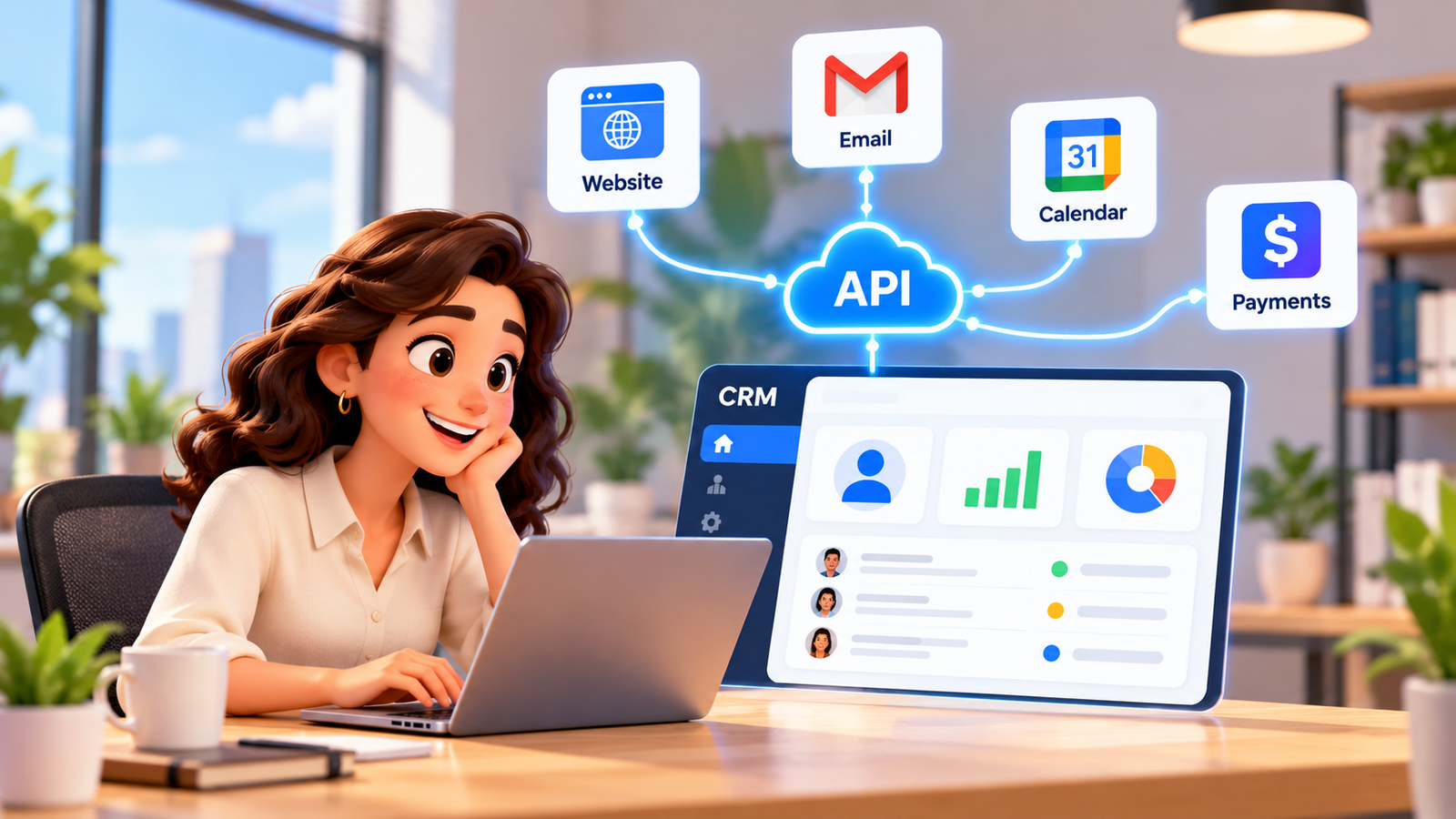
A customer completes a quote form on your website. Their information lands in an email inbox, while the sales team updates a spreadsheet and the appointments team checks another calendar. A member of staff eventually copies the details into the CRM, but the marketing source and original question have already been lost. This is the practical problem that CRM integration services should solve: customer context and the next action must travel reliably between the systems that your business uses.
For a UK service business, integration is not simply about connecting applications. It is about giving every enquiry an accountable owner, maintaining accurate records, protecting customer information and ensuring that failures do not disappear unnoticed. This guide explains when an API, webhook, supported connector or custom workflow makes sense, how websites, accounts and calendars should work together, and how to choose a maintainable implementation with human control.
Why disconnected systems cost more than extra admin time
Customer context should move with the enquiry, not remain trapped in the first channel.
Fragmented data creates more than repeated typing. Two staff members may contact the same prospect, a booking may be accepted without checking availability, or finance may raise an invoice using an outdated customer address. These failures create confusion for customers and leave employees deciding which screen tells the truth. Integration should reduce that uncertainty by defining a reliable operational pathway.
The cost is specific to each organisation; claims about universal savings or revenue increases are rarely useful. Instead, measure your own baseline: the number of leads without owners, duplicate contacts, delayed follow-ups, manual rekeying steps, bookings that require corrections and finance queries caused by mismatched records. Record how long resolution takes and which problems carry reputational or compliance risk.
Start with one customer journey. A visitor sends an enquiry, the website records the stated need, a matching contact is found or created, an opportunity is assigned, an approved follow-up starts and an employee receives a notification when judgement is needed. A connected system makes this sequence traceable; it does not promise that every enquiry will become a sale.
What an integration must preserve
- Identity: the correct contact or organisation, with matching rules that can be reviewed.
- Context: the enquiry, channel, relevant history and approved next step.
- Ownership: a responsible employee, team or queue for every unresolved action.
- Preference: permission and suppression information where communications are involved.
- Evidence: timestamps, workflow outcomes and errors that support investigation.
These records should be understandable to the staff member taking over the conversation. Where automated matching is uncertain, route the case for review rather than creating a false sense of accuracy.
CRM API integration: the technical foundation explained
CRM API integration allows one authorised application to request or change information in another through a documented interface. A website could submit customer details to a service that validates required fields, checks for an existing contact, creates an opportunity and returns an outcome. The precise objects and permissions depend on the selected products and account configuration.
APIs are not the same as webhooks. An API request normally asks a system to perform an action or return information; a webhook notifies another system that an event occurred. Some designs use scheduled checks, while others combine webhooks with follow-up API requests. The right combination depends on timeliness, rate limits, reliability and the type of information being exchanged.
A responsible API workflow has more than a successful connection
- Authentication: use supported authorisation flows and restrict access to necessary permissions.
- Validation: check incoming formats, required values, allowed states and unexpected data.
- Mapping: document field names, identifiers, transformations and ownership.
- Idempotency: prevent repeated events from generating duplicate records or invoices.
- Recovery: use controlled retries, alerts and a review queue for failed messages.
- Monitoring: track last successful sync, changes in access tokens and error trends.
Do not embed credentials in page source or assume a webhook message can be trusted solely because it arrives at a known address. Authenticate or verify messages using the mechanism supported by the sending platform and protect logs that may contain personal information. Rotate access when staff or suppliers change.
An integration can still be wrong while all HTTP requests return success codes. For example, a booking identifier might be accepted in the wrong custom field, or a currency amount might lose its meaning in a formatting conversion. Test operational results and sample records, not just whether the server responded.
When custom CRM integration is better than an off-the-shelf connector
Custom CRM integration becomes relevant when a business has specific routing logic, non-standard objects, review stages, multiple systems of record or a legacy tool without an appropriate prebuilt connector. Custom does not automatically mean superior. It usually creates additional responsibilities for testing, security, documentation and maintenance.
Compare the options against the outcome you need, rather than starting with whichever technology sounds advanced. For a straightforward one-way website form, a native connector may be sufficient. For conditional routing across service locations, approval steps and accounting exceptions, a managed intermediary workflow or bespoke integration may be justified.
| Approach | Good fit | Key limitation to test |
|---|---|---|
| Native connector | Common supported fields and simple events | Field restrictions and event coverage |
| Workflow intermediary | Multi-step routing, filtering and notifications | Failure handling, permissions and ongoing ownership |
| Custom API integration | Complex records and business-specific rules | Engineering, monitoring and version changes |
| Scheduled import or export | Approved low-frequency bulk updates | Stale records and reconciliation windows |
A practical discovery process asks what must happen immediately, what can wait, and what should never run without a human approving it. Write down the accepted delay for each action and the consequences if it fails. A quote enquiry might tolerate a queued retry; a double booking or incorrect invoice must be prevented or escalated before the customer is affected.
Set acceptance criteria before development begins
Specify test cases in plain business language. For example: when an existing customer submits a second enquiry, the CRM should link it to the correct contact, preserve the new enquiry source and assign an opportunity without overwriting unrelated records. Include negative cases, such as incomplete addresses, cancelled appointments and a revoked API connection.
Agreement on the expected result allows business teams to sign off an integration without reading source code. It also gives technical teams an objective basis for tests and later changes.
How to integrate CRM with website forms, chat and enquiries
A website enquiry should enter the correct CRM record with its source and next action intact.
The phrase integrate crm with website typically describes connecting visitor interactions to the customer-management process. A useful workflow starts with purposeful data collection and ends with a recorded, accountable action. A form submission should not simply create another disconnected inbox notification.
Decide what a contact form needs to ask and how the response will be used. Capture the service requested and appropriate contact details; do not collect unnecessary sensitive information merely because there is a field available. Apply transparent privacy information and carefully distinguish a request for service from optional consent to receive promotional messages.
Website-to-CRM customer journey
- A visitor completes a form or starts an approved chat interaction.
- The website validates fields and records the source channel and submission time.
- A secure integration checks whether the person or organisation already exists.
- The CRM creates or updates the appropriate contact and lead or opportunity record.
- Business rules assign an owner, record the required next action and notify the team.
- An approved acknowledgement or follow-up occurs through an appropriate channel.
- Exceptions such as ambiguous matches, urgent issues or sensitive messages reach a person.
Test missing fields, accidental double submissions, spam, language variations, failed integrations and form changes made by marketing staff. If the website claims success while the CRM rejects the record, there must be a detectable failure and an approved recovery plan. Avoid exposing internal errors or personal information to the visitor.
An AI-Powered Website can be designed as a channel for qualified enquiries and connected actions. Actual integrations, supported channels and permissions should be confirmed during implementation rather than assumed for every installation.
Connect CRM to accounting software without compromising the ledger
Many teams want to connect crm to accounting software so that agreed customer details and commercial steps do not need to be re-entered. A typical pathway may carry an accepted quote or authorised order from the CRM into an invoicing review process, then return an appropriate invoice or payment status for customer-facing follow-up. What can be exchanged depends on the accounting application, permissions and agreed design.
The accounting system should normally remain authoritative for financial documents and balances, while the CRM manages contacts, opportunities and relationship activity. Define which system owns each field. For example, a salesperson might propose a billing-address update, but the finance team should verify whether it changes an existing invoice or legal record.
The Xero Accounting API documentation describes accounting objects such as invoices and credit notes, while its OAuth guidance explains scoped authorisation. Those documents establish what that vendor makes available in its API; they do not establish that A1LegacyStudio has a native connector or that a particular customer integration is ready without configuration.
Practical accounting integration safeguards
- Agree whether the CRM creates a draft request, a draft invoice or no invoice until approval.
- Map contact, organisation, tax and currency fields with explicit review of exceptions.
- Prevent repeated events from creating duplicate invoices or credits.
- Keep payment status and invoice identifiers traceable rather than inferring payment from a pipeline stage.
- Limit permissions and ask finance staff to approve material changes and corrections.
- Reconcile records regularly and provide a clear process for failed or reversed transactions.
Never promise that the integration will automatically fix accounting accuracy. Tax treatment, credit control, refunds, authorisation and financial judgement belong with qualified people. A well-designed system supplies reliable context so they can make decisions, not hidden rules that silently change the ledger.
CRM calendar integration for booking, cancellations and reminders
CRM calendar integration connects customer conversations and opportunities to appointment availability and booking changes. A practical implementation should define who owns a calendar, what availability means, whether buffers or travel time apply, and which changes trigger confirmation messages. It should also clarify time zones for UK teams or international customers.
The Google Calendar API guidance describes push notifications for changes to watched resources. Its incremental synchronisation documentation describes maintaining changes after an initial full sync. These are useful engineering patterns, not a guarantee that every calendar, permission or booking scenario works identically.
An integration must cope with changed or cancelled events, recurring meetings, staff leaving, expired authorisation and conflicting edits. Check what happens when a customer changes an appointment in the calendar rather than through the CRM. Decide whether to confirm, update, alert or require review, rather than allowing the two systems to disagree indefinitely.
Booking and reminder sequence
- A qualified customer requests a suitable appointment type.
- The connected system checks the authorised availability source.
- A selected slot is held or booked according to supported rules.
- The CRM stores the appointment reference and relevant customer context.
- An appropriate confirmation and reminder workflow is evaluated under the business rules.
- Cancellation or rescheduling updates the authorised system and informs responsible staff.
- Conflicts, emergencies and unsupported changes move to a human review queue.
Appointment notices should be clear, accurate and limited to the information customers need. Do not insert promotional content into a routine service notification without assessing applicable marketing rules. Always test the unsubscribe or preference process for messages that count as direct marketing.
CRM data sync: prevent duplicates, conflicts and silent failures
Reliable synchronisation needs ownership rules, monitoring and a route for ambiguous records.
CRM data sync sounds straightforward until two systems edit the same contact. A website enquiry updates a telephone number while an accounting colleague changes the billing contact; a sales representative merges records while an appointment reminder is queued. Without clear rules, a technically successful sync may overwrite the right value with an older one.
Document a source of truth for each important field rather than declaring one complete application correct for every purpose. The CRM may own pipeline status, the calendar may own actual confirmed appointment timing, and the accounting system may own issued invoice details. Maintain stable external identifiers so each update affects the intended record.
Data sync patterns and their trade-offs
- One-way: simpler to govern when another application is deliberately read-only.
- Two-way: useful for genuine shared editing but requires explicit conflict rules.
- Near-real-time: reacts quickly to events but still needs recovery from missed messages.
- Scheduled: can be easier to control for bulk updates but introduces known delays.
- Reconciliation: compares expected and actual records to detect omissions or drift.
A reliable design uses idempotency keys or stable event identifiers where supported, retry limits and dead-letter or exception queues for unresolved updates. Decide who reviews those queues and how frequently. Log enough detail to diagnose problems, while avoiding uncontrolled copies of personal data inside technical logs.
Choose monitoring measures that show customer impact: unmatched enquiries, duplicate rates, failed booking updates, missing finance references and time since the last confirmed successful sync. A green status indicator is insufficient if data is moving into the wrong fields. Perform periodic checks against source records and ask users to report unexpected changes.
UK GDPR, PECR and governance for integrated customer data
Connecting applications can widen access to personal data and change how information is used. The Information Commissioner’s Office guidance on processors describes obligations involving documented instructions, contracts, security and sub-processors. The ICO also explains why controller-to-controller data-sharing arrangements benefit from clear purposes, roles and safeguards. The applicable structure depends on who controls each processing purpose.
Before sharing fields with another provider, assess necessity, transparency, security, retention and any international transfers. Confirm the lawful basis and contracts appropriate to each arrangement. Restrict tokens to needed permissions and make sure deleted or corrected information can be handled appropriately across connected services.
Email, SMS and outbound calls may involve UK PECR and UK GDPR rules, especially when messages promote a service or encourage a purchase. Consider consent or applicable exceptions, sender identification and accessible opt-outs; do not assume that operational access to a phone number permits unrestricted marketing. A purely transactional booking update may be treated differently from promotional follow-up, but the actual message content and context matter. Obtain specialist advice when designing marketing campaigns.
In healthcare, legal and financial settings, route diagnosis, legal advice, financial recommendations and sensitive judgements to qualified staff. AI can support routine collection, scheduling and administrative triage within approved boundaries. Design secure human handoff with sufficient context and an auditable decision trail.
How A1 Legacy plans connected CRM integration services
A1 Legacy approaches integrations as part of a coordinated business system: customer channel, AI layer, workflow or integration layer, CRM and responsible human or operational endpoint. Custom Integrations is the relevant capability for APIs, webhooks and connections to existing systems. A1LegacyStudio CRM provides the operational context for contacts, pipelines, conversations, calendars, workflows and reporting.
The A1 Intelligence Stack — Engage, Understand, Act, Connect, Operate, Observe and Govern — emphasises connected execution and visibility. Its deployment standard moves from Discover and Architect through Control, Build, Evaluate, Deploy, Observe and Optimise. This provides a way to evaluate the business journey, review security and approval boundaries, and maintain the finished integration rather than treating a one-time connection as the final result.
When a use case requires customer conversations, an Conversation AI component may contribute to the same architecture. A particular integration, API scope, accounting platform or delivery timeline must still be assessed and confirmed. The objective is a maintainable system with people retaining responsibility for exceptions and important decisions.
Implementation checklist: move from diagrams to dependable workflows
- Choose one high-value customer journey and document the failure it should eliminate.
- Identify the system of record for contacts, bookings, invoices and other critical fields.
- Inventory supported APIs, native connectors, webhooks, permissions and vendor limitations.
- Draw the exact data flow, including consent, failures and human approval points.
- Define matching rules, unique identifiers, required fields and conflict handling.
- Create secure credentials and limit access to the permissions actually needed.
- Build a test environment using representative and appropriately protected sample data.
- Test repeated events, missing fields, cancellations, stale records and failed authorisation.
- Reconcile data and verify complete customer journeys with operational staff.
- Document ownership, monitoring, alerts, recovery, retention and change control.
- Approve a phased launch, measure outcomes and schedule regular integration reviews.
Treat go-live as the beginning of an operating responsibility. Assign someone to check failures and vendor changes; record when tokens, APIs or business processes are updated. If an integration cannot provide a safe recovery path, narrow its scope until the team can manage it confidently.
Frequently Asked Questions
What are CRM integration services?
CRM integration services design, connect and maintain data and workflows between a CRM and other business systems. They can link website enquiries, inboxes, calendars, accounting applications and operational tools. A reliable service also defines record ownership, consent handling, error monitoring, access controls and human escalation, rather than simply turning on a connector.
How does CRM API integration work?
CRM API integration uses documented application interfaces to read or update authorised information. A workflow may validate a website submission, match a contact, create an opportunity and record the outcome. Authentication, field mapping, API limits, retries, audit records and failure alerts must be designed and tested; an API connection alone does not guarantee accurate data.
When is custom CRM integration necessary?
Custom CRM integration is useful when standard connectors cannot represent the required business rules, object relationships, approvals or legacy system behaviour. It may involve APIs, webhooks or a carefully controlled intermediary service. Before commissioning custom work, compare lifecycle maintenance, access permissions, failure recovery and expected operational value with a simpler supported integration.
How do I integrate CRM with website enquiries?
To integrate CRM with website forms or chat, map each enquiry to an approved data model and choose how existing contacts will be matched. Preserve the original enquiry source, timestamps and relevant communication preferences. Test duplicate submissions, invalid details, spam, missing fields and staff notifications before sending real customer traffic through the workflow.
Can I connect CRM to accounting software?
Yes, when the selected products provide suitable supported interfaces and permissions. A common design links a CRM customer or accepted quote to a reviewed invoice workflow and returns an appropriate payment status. Accountants or authorised finance staff should retain approval over financial records, tax treatment, write-offs and corrections; the CRM should not silently overwrite the accounting ledger.
What should CRM calendar integration include?
CRM calendar integration should define availability, time zones, appointment ownership, booking confirmation, cancellations, rescheduling and reminders. It should also handle external calendar changes and prevent duplicate appointments. Test booking conflicts, expired authorisation and disconnected calendars. Google Calendar documents both push notifications and incremental synchronisation, but implementation depends on actual account permissions.
How can CRM data sync avoid duplicate records?
CRM data sync works best with a designated source of truth per field, persistent identifiers, predictable matching rules and idempotent updates. Define conflict resolution for changes made in both systems, maintain retry queues and monitor failures. Reconcile sample and aggregate records regularly, and keep a human review route for ambiguous merges or sensitive corrections.
Does connecting business systems make them UK GDPR compliant?
No. Integrations must be assessed for lawful purpose, minimisation, transparency, access controls, security, retention and any processor or international transfer requirements. Marketing communications can also trigger UK PECR obligations. Businesses should review contracts and permissions with qualified advisers and avoid assuming that a software feature or vendor badge establishes legal compliance.
Conclusion: use CRM integration services to preserve context
Good CRM integration services do not merely move data faster. They connect customer channels, CRM records, appointment workflows and financial handoffs while preserving accuracy, responsibility and visibility. Decide which system owns each field, map the customer journey, test exceptions, and measure outcomes using your own operational baseline. API and webhook technology matters, but dependable procedures and accountable people matter just as much.
For UK service businesses, prioritise systems that can be monitored, corrected and adapted as your team grows. Keep human approval for sensitive matters and build privacy and permissions into the design from the start. To explore an integration approach tied to your existing tools, Talk To An AI Solutions Architect.