SMS Automation for Business: Reminders, Follow-Up and CRM
Learn how to design SMS reminders, CRM-connected service updates and responsible follow-up without confusing operations with marketing.
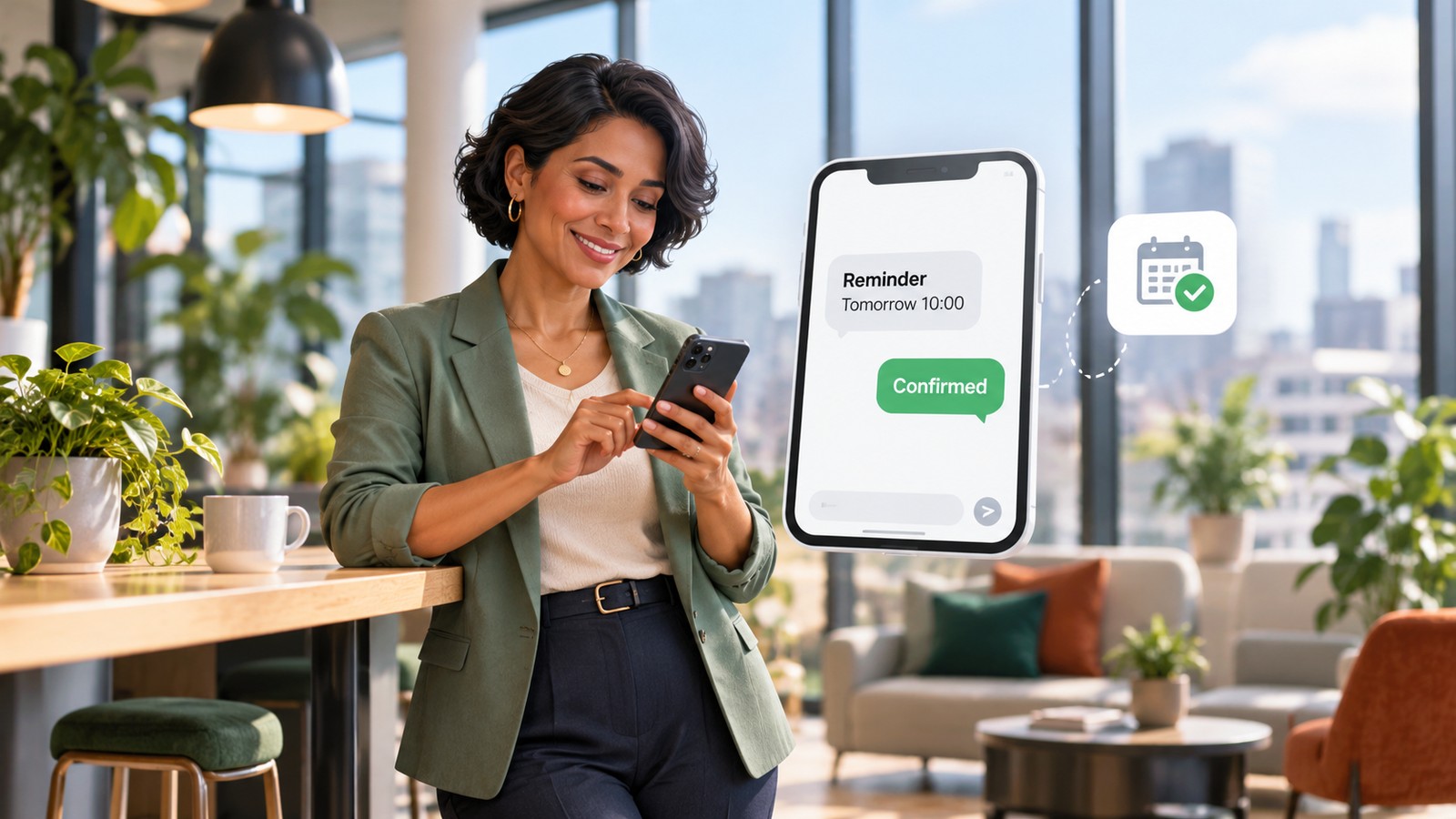
A customer books a service and then forgets the agreed time. Another submits a request and waits for confirmation while staff are occupied. Sms automation for business can help businesses send timely, relevant messages at predictable moments, but only when the underlying process and communication permissions are correct.
This guide focuses on triggered business texts rather than AI-generated conversations. You will learn how reminders, booking confirmations, lead follow-up and CRM events work together, where scheduled sequences fail and which UK marketing boundaries should be reviewed before sending promotional texts.
Business text messaging UK: start with legitimate purpose
Business text messaging uk covers several different types of communication. A text may confirm an appointment, inform a customer that staff are running late, answer an active enquiry or advertise a new service. These purposes are not interchangeable, and the legal requirements may be different.
Before automating, label each planned template with its precise purpose and recipient source. Record which operational event triggers it, who owns it, what personal data it contains and how the customer can reply or obtain human help. Review the lawful basis and privacy transparency for data processing.
For example, a tyre-fitting business may send a booked customer a time reminder without including unrelated discounts. A sales promotion to the same number needs separate marketing analysis. Adding an offer to an otherwise routine service text can change how it is classified.
In a UK rollout, consider sender identity, delivery failures, incorrect mobile numbers and messages sent outside reasonable hours. A reliable messaging workflow should help customers act, not merely increase the number of notifications.
Automated SMS reminders: triggers, timing and delivery
Automated sms reminders are generated when a trustworthy operational event occurs, such as a confirmed appointment being created. The automation should check current booking status before sending. A cancelled appointment must not continue to produce reminders as though nothing changed.
Choose timing based on the service and the customer’s needs, not an arbitrary template. A workshop appointment and a multiday project visit may require different lead times. Let staff change the schedule and test how time zones and daylight-saving adjustments affect delivery.
Message content should be short and factual: the business, the service or appointment reference, the time and a clear way to amend or contact staff. Avoid exposing medical, legal or financial details in a text that could be read by someone else.
Delivery is not attendance. Network confirmation means a message was accepted or delivered according to the gateway, not that the customer has read it. Measure rescheduling requests, cancellations and actual attendance rather than assuming reminders automatically eliminate no-shows.
SMS lead follow-up automation for active enquiries
Sms lead follow-up automation begins with a recorded customer event: a form request, an inbound text or a call where the customer explicitly requested an SMS update. The first text should address the enquiry, identify the business and give a useful route to the next step.
For a plumbing quote request, a follow-up might confirm receipt and ask which town the property is in. If an employee already responded or the customer declined contact, the workflow must stop or change state. Repeated follow-ups from disconnected systems create frustration and duplicate work.
A contact number supplied for one purpose should not quietly become part of a promotional campaign. Check PECR conditions separately for any marketing use, including opt-in or potentially applicable soft opt-in conditions. Record permissions and objections in the CRM.
Monitor useful reply rates, cases handed to staff and invalid numbers. Counting messages sent can mask poor data quality. The better result is a genuine enquiry with an owner and a documented next action.
SMS drip campaigns: sequence design and stop rules
Sms drip campaigns schedule multiple messages over time, often after defined customer events. Their suitability depends on whether the sequence is administrative, a response to a requested service or direct marketing. Never assume every sequence is permitted simply because the software can schedule it.
Design each step with a trigger, permitted recipient criteria, exit condition and maximum number of attempts. A promotional series should include the appropriate identification and a working opt-out route. The customer’s objection must suppress future promotional steps across all connected tools.
A business might use a short series for a legitimately requested onboarding process, each text containing an operational instruction. A separate marketing campaign must be assessed on its own legal basis and PECR permissions. Combining the two without classification can lead to misleading compliance assumptions.
Review tone and frequency with actual recipients. A contact who replies with a complaint should not automatically receive the next scheduled marketing text. Staff must be able to pause or terminate a sequence quickly.
SMS CRM integration prevents disconnected messages
Sms crm integration turns standalone messages into logged customer activity linked to an authorised contact and service record. A change to an appointment can update reminder schedules, while a reply can create a task for the right team member.
Good integration checks duplicates, existing replies, message status and contact preferences. It should not blindly append every inbound number as a new lead. Data mapping needs to distinguish marketing permission from the person’s ordinary preference for operational texts.
With A1LegacyStudio CRM and relevant Custom Integrations, A1 Legacy can scope connected workflows where platform access supports them. Staff should be able to see who last contacted the customer and which automated step is waiting.
Log failures and retries rather than silently losing a notification. If the SMS service is unavailable, the workflow should record the exception and identify whether a staff member must call the customer.
Appointment reminder texts: copy that helps customers act
Appointment reminder texts work best when they give relevant information with a simple next step. A service provider may include the scheduled day, start time, address and a short instruction for cancellations. Avoid vague wording such as “Your booking is confirmed” if the appointment has not been accepted by the calendar.
| Message type | Useful trigger | What to avoid |
|---|---|---|
| Booking confirmation | Successful calendar write | Sending on an unconfirmed request |
| Appointment reminder | Active booking before visit | Sending after cancellation |
| Delay notification | Verified schedule change | Promising an unverified arrival |
| Reschedule request | Customer initiated change | Implying an available slot is reserved |
Keep template variables validated so an empty date or incorrect customer name does not reach the recipient. Verify the channel and recipient number when high-impact information is involved. Messages should direct customers to an appropriate secure or staffed route when further detail is needed.
Test a cancellation at each stage: before reminder generation, while it is queued and after a text has been sent. A system that cannot respond to state changes is not ready for real appointment operations.
Compliance boundaries for service SMS and marketing
UK PECR rules restrict unsolicited electronic direct marketing by text and other forms of electronic mail. The ICO guidance explains consent and relevant exceptions, including the conditions of the soft opt-in where applicable. UK GDPR applies to the personal data underpinning the messages.
Pure service messages can be distinguished from direct marketing by their real content and purpose; however, the labels that an organisation gives its templates do not determine the legal outcome. An administrative reminder carrying a discount offer may be promotional. Ask qualified advisers to review mixed-purpose messages.
Keep clear opt-out processes for marketing and update suppression across all sending tools. Respect data accuracy, retention, access controls and vendor processor agreements. Do not describe a particular SMS platform as automatically GDPR compliant without assessing how it is deployed.
Operational controls such as timing limits and response handling improve service quality, but they do not replace the proper permission to send marketing messages.
SMS automation rollout and measurement checklist
The first deployment should focus on one service event with a measurable customer outcome. Confirm the source of the booking or lead event, the authoritative data field, the message wording, the delivery method and the staff fallback.
- Inventory current customer texts and separate them by purpose.
- Review permissions and privacy notices for each message type.
- Choose triggers tied to verified CRM or calendar events.
- Validate numbers, timing, content variables and suppression flags.
- Test cancellations, reschedules, delivery errors and repeated events.
- Provide a human escalation path for replies and complaints.
- Pilot with a small group and inspect errors manually.
- Observe outcomes and optimise frequency based on evidence.
The A1 Intelligence Stack connects engagement, workflow actions, CRM operation, observation and governance. A1 Legacy’s Conversation AI supports related written-conversation processes, while the specific automation should be verified against the tools connected for the business.
Measure accuracy, cancellations correctly processed, useful customer responses and reduced manual rework. A lower number of mistakes is more meaningful than a higher number of texts. To scope a deployment, Talk To An AI Solutions Architect.
Frequently Asked Questions
What is SMS automation for business?
It is the use of triggers and business rules to send or route text messages for defined purposes such as appointment updates and enquiry confirmations. Reliable automation checks current CRM or calendar status, uses appropriate permissions and provides a staffed path when a customer replies.
How can automated SMS reminders reduce no-shows?
They can help customers remember details and give them a chance to reschedule, but results depend on the audience and workflow. Reminders must use confirmed booking data and stop when an appointment is cancelled. Measure actual attendance rather than promising a fixed reduction.
Can SMS lead follow-up automation send promotional offers?
Only after assessing the applicable PECR and UK GDPR rules. A requested enquiry response and unsolicited marketing may have different requirements. Do not use a contact number collected for customer administration as automatic permission for unrelated promotional texts.
What are SMS drip campaigns?
They are scheduled sequences triggered by customer events or audience rules. Every step needs a clear purpose, eligibility check, stop condition and appropriate contact permissions. Marketing sequences should honour opt-outs across connected systems.
What does SMS CRM integration change?
It links messages to contact and appointment records so the business can avoid duplicate follow-ups, pause reminders after cancellation and assign replies to staff. Integration quality depends on current data, mapping rules and reliable handling of gateway failures.
What should appointment reminder texts contain?
Use the business identity, accurate appointment information and a simple way to change or ask questions. Avoid unnecessary sensitive details and promotional content unless separately assessed. Send a firm confirmation only when the authoritative booking system has actually accepted the appointment.
Conclusion: a reliable and responsible next step
The best sms automation for business approach starts with a defined customer need, accurate business data and an explicit operational owner. Every automated action must be appropriate for the recipient, supported by reliable integrations and visible to the people accountable for the result. The organisation should measure correct outcomes, not simply how much communication the technology produces.
Begin with a narrowly defined process, evaluate failures as carefully as successful interactions and expand only after staff approve the results. Keep legal and privacy obligations under review whenever channels or message purposes change. To scope a connected business system, Talk To An AI Solutions Architect and examine the exact implementation requirements.